
Guide · Educational
Save The Planet Controls - How to Play (Desktop & Mobile)

Save The Planet
Play nowAdvertisement
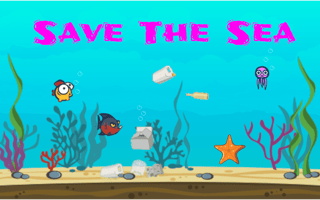
Save The Planet is an educational browser game that challenges players to make environmentally‑friendly decisions while navigating simple puzzles.
Desktop controls
Use the mouse to click on interactive elements and drag objects, while the keyboard arrows or WASD keys let you move your character or cursor across the screen.
Mobile controls
Tap to select options and drag items with your finger; swipe gestures can be used to scroll or move the character through the environment.
Tips
- Tap precisely on buttons to avoid mis‑clicks
- Use the scroll wheel or two‑finger swipe to zoom in on detailed sections
- Hold and drag objects slowly for accurate placement
Sponsored
More about Save The Planet
Play something similar







Advertisement