
Guide · Sports
Slalom Ski Simulator Controls (Desktop)
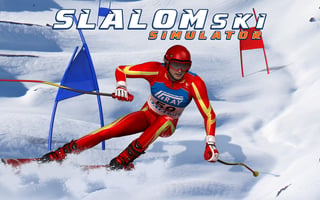
Slalom Ski Simulator
Play nowAdvertisement
Navigate the slopes and race against time in this fast‑paced ski slalom challenge.
Desktop controls
Use the arrow keys or WASD to steer left and right, with the space bar for jumps or boosts; mouse movement can also control direction for precise turns.
Touch play
Not tested on touch screens.
Tips
- Keep your turns smooth to maintain speed
- Anticipate upcoming gates and adjust direction early
- Use jumps sparingly to avoid losing momentum
Sponsored
More about Slalom Ski Simulator
Play something similar
See all







Advertisement