
Guide · Adventure
Soldier Run Evolution Controls (Desktop)
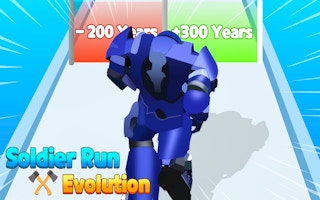
Soldier Run Evolution
Play nowAdvertisement
Lead your soldier through challenging levels in this fast‑paced adventure game.
Desktop controls
Use the arrow keys or WASD to move and the mouse to aim or interact with objects, with space or left‑click for jumping or primary actions. Press Esc to pause or access the menu.
Touch play
Not tested on touch screens.
Tips
- Keep an eye on the edges of the screen to anticipate obstacles before they appear.
- Use short, precise clicks for jumps to maintain control over timing.
- Adjust the sensitivity in the settings if the character feels sluggish or too fast.
Sponsored
More about Soldier Run Evolution
Play something similar
See all





Advertisement