
Guide · 2048
Solitaire Puzzle 2048 Controls (Desktop)
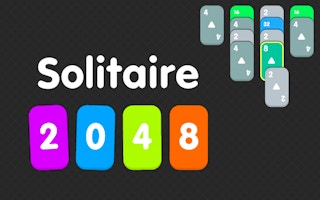
Solitaire Puzzle 2048
Play nowAdvertisement
Combine matching tiles by sliding them to reach the 2048 tile in this classic puzzle game.
Desktop controls
Use the arrow keys with the mouse to slide all tiles in one direction; each move shifts the board and merges identical numbers.
Touch play
Not tested on touch screens.
Tips
- Plan several moves ahead to avoid filling the board quickly
- Keep the highest-value tile in a corner to maintain space for new tiles
- Not tested on touch screens.
Sponsored
More about Solitaire Puzzle 2048
Play something similar
See all






Advertisement