
Guide · Shooter
Space Mission I Controls (Desktop)
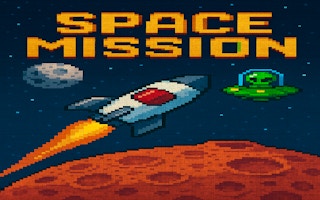
Space Mission I
Play nowAdvertisement
Pilot your spacecraft through waves of enemies in this fast‑paced browser shooter.
Desktop controls
Use the mouse to aim and click to fire, while WASD or arrow keys move the ship around the screen; press Space or a designated key for special attacks if available.
Touch play
Not tested on touch screens.
Tips
- Keep the ship moving to avoid enemy fire
- Aim where enemies appear rather than where they are now
- Use the edges of the screen for quick evasive maneuvers
Sponsored
More about Space Mission I
Play something similar
See all




Advertisement