
Guide · Simulation
Spaceflight Simulator Controls (Desktop)
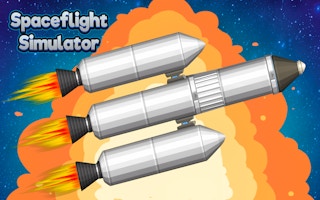
Spaceflight Simulator
Play nowAdvertisement
Pilot spacecraft and explore the cosmos in this realistic simulation game.
Desktop controls
Use the mouse to adjust camera angles and the keyboard for thrust, rotation, and menu navigation; typical keys include W/A/S/D for movement and arrow keys for fine steering.
Touch play
Not tested on touch screens.
Tips
- Practice gentle throttle adjustments to maintain stable orbits
- Use the map or HUD to keep track of your trajectory
- Pause often to plan maneuvers before executing them
Sponsored
More about Spaceflight Simulator
Play something similar
See all







Advertisement