
Guide · Strategy
Stickman 3D Legacy of War Controls (Desktop)
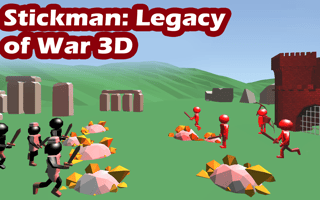
Stickman 3D Legacy of War
Play nowAdvertisement
Stickman 3D Legacy of War is a strategy game that challenges players to navigate through various levels using clever tactics and precise control.
Desktop controls
On desktop, players can expect to use their mouse to select units, navigate menus, and interact with the game environment, while keyboard inputs may be used for issuing commands or adjusting settings.
Touch play
Not tested on touch screens.
Tips
- Use precise mouse clicks to select specific units or targets
- Adjust your zoom level to get a better view of the battlefield before making key decisions
- Not tested on touch screens.
Sponsored
More about Stickman 3D Legacy of War
Play something similar
See all





Advertisement