
Guide · Adventure
Stray Souls: Dollhouse Story Controls (Desktop)
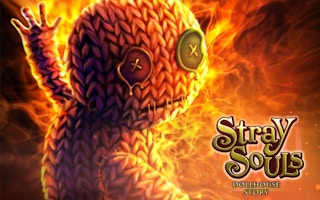
Stray Souls: Dollhouse Story
Play nowAdvertisement
Explore mysterious environments and uncover the story through point-and-click interactions.
Desktop controls
Use the mouse to click on objects, navigate menus, and interact with characters; keyboard shortcuts like arrow keys or WASD may move the view or character, while the spacebar often advances dialogue or triggers actions.
Touch play
Not tested on touch screens.
Tips
- Not tested on touch screens.
- Pause the game if you need extra time to read dialogue or solve puzzles
Sponsored
More about Stray Souls: Dollhouse Story
Play something similar
See all



Advertisement