
Guide · Arcade
Sudoku Blocks Controls (Desktop)
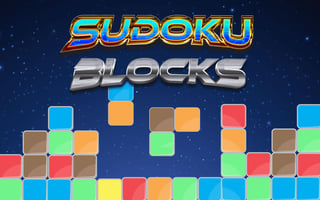
Sudoku Blocks
Play nowAdvertisement
Sudoku Blocks is a puzzle-based arcade game that challenges players to solve Sudoku puzzles within a set time limit or under specific constraints.
Desktop controls
On desktop, players can use their mouse to select and place numbers, or utilize keyboard shortcuts for quicker input, such as using number keys to select values and navigation keys to move the focus between cells.
Touch play
Not tested on touch screens.
Tips
- Use keyboard shortcuts on desktop to speed up your number placement for a more efficient gameplay experience.
- Not tested on touch screens.
- Practice navigating the puzzle grid quickly, whether by mouse, keyboard,, to save time and increase your scores.
Sponsored
More about Sudoku Blocks
Play something similar
See all







Advertisement