
Guide · Kids
Swimming Pool Romance Controls (Desktop)
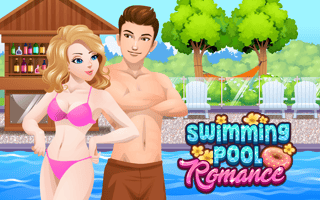
Swimming Pool Romance
Play nowAdvertisement
Dive into a colorful pool adventure where you guide cute characters through fun water-themed challenges.
Desktop controls
Use the mouse to click and drag characters or objects, and arrow keys or WASD for simple movement when needed. Keyboard shortcuts may let you pause or reset the level quickly.
Touch play
Not tested on touch screens.
Tips
- Not tested on touch screens.
- Use smooth dragging motions for accurate control
- If a level feels too fast, look for a pause button to practice tricky sections
Sponsored
More about Swimming Pool Romance
Play something similar
See all







Advertisement