
Guide · Ball
Switch Colors Controls (Desktop)
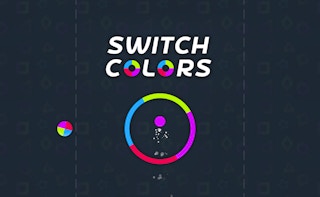
Switch Colors
Play nowAdvertisement
Switch Colors is a fast‑paced ball game where you navigate a rolling sphere through changing environments.
Desktop controls
Use the arrow keys or WASD to steer the ball left, right, forward and backward, and the mouse to aim or adjust the camera angle if needed.
Touch play
Not tested on touch screens.
Tips
- Keep small, precise movements to maintain control at high speeds
- Use the edges of the play area to anticipate upcoming color changes
- Adjust your steering gradually rather than making sudden turns to avoid losing momentum
Sponsored
More about Switch Colors
Play something similar
See all







Advertisement