
Guide · Sports
Ten Pin Bowling Controls (Desktop)
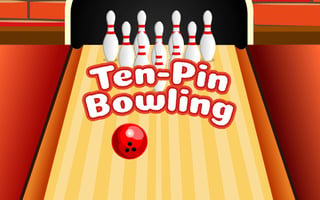
Ten Pin Bowling
Play nowAdvertisement
Ten Pin Bowling lets you roll a virtual ball down the lane to knock down all ten pins in a single throw.
Desktop controls
Use the mouse to aim the ball’s direction and click or press a key to set power, then release to bowl; the keyboard arrow keys can also adjust aim and a spacebar or Enter key typically triggers the throw.
Touch play
Not tested on touch screens.
Tips
- Adjust your aim slightly left or right to compensate for lane conditions
- Not tested on touch screens.
- Watch the ball’s trajectory and make small corrections before releasing
Sponsored
More about Ten Pin Bowling
Play something similar
See all



Advertisement