
Guide · Ball
The Floor is Lava! Balls Controls (Desktop)
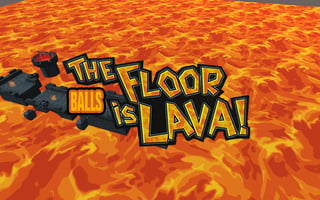
The Floor is Lava! Balls
Play nowAdvertisement
Navigate the rolling ball across platforms while avoiding lava in this fast‑paced challenge.
Desktop controls
Use the arrow keys or WASD to steer the ball left, right, and adjust speed, and the mouse to aim or click for special actions if available. Hold space or a designated key to jump or boost over gaps.
Touch play
Not tested on touch screens.
Tips
- Click precisely when approaching edges to maintain momentum
- Not tested on touch screens.
- Adjust your speed before jumps to land safely on the next surface
Sponsored
More about The Floor is Lava! Balls
Play something similar
See all


Advertisement