
Guide · Arcade
Throw Fast - Frequently Asked Questions
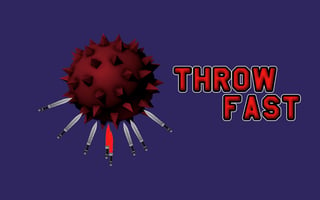
Is Throw Fast free to play?
Yes, Throw Fast is free to play, allowing you to jump into the action without any initial cost.
Can I play Throw Fast on my mobile device?
Not tested on touch screens.
How do I control my character in Throw Fast?
The game uses simple and intuitive controls, typically involving mouse clicks to throw objects, and keyboard or gesture inputs to adjust your aim and timing. You can adjust the sensitivity and controls to fit your preferences in the game's settings menu.
What can I expect from the difficulty level in Throw Fast?
The difficulty in Throw Fast progresses as you advance through levels, with increasingly challenging obstacles and targets to hit. The game starts off relatively easy to help you get accustomed to the controls and mechanics, but it ramps up quickly to test your skills and reaction time.
What makes Throw Fast an enjoyable game to play?
Throw Fast offers fast-paced and addictive gameplay, with a focus on quick reflexes and accurate timing to succeed. The game's colorful graphics, upbeat soundtrack, and satisfying sound effects also contribute to its engaging and entertaining experience.
Why am I having trouble hitting my targets in Throw Fast?
Make sure to time your throws carefully, taking into account the distance to your target and any obstacles that may be in the way. Also, pay attention to the game's physics and how different objects behave when thrown, as this can affect your aim and accuracy.
How do I improve my high score in Throw Fast?
To improve your high score, focus on completing levels quickly and accurately, and try to hit as many targets as possible in a row to build up your combo multiplier. You can also experiment with different throwing techniques and strategies to find what works best for you.







