
Guide · Memory
Toca Life Memory Card Match Controls (Desktop)
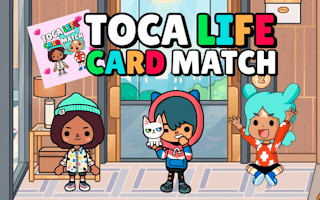
Toca Life Memory Card Match
Play nowAdvertisement
Match pairs of cards by flipping them over to test your memory in this classic card‑matching game.
Desktop controls
Use the mouse to click on a facedown card to reveal its image, then click a second card to try to find a matching pair; use the keyboard arrows to navigate between cards and the Enter key to flip them if preferred.
Touch play
Not tested on touch screens.
Tips
- Click carefully to avoid flipping the wrong cards too quickly.
- If using the keyboard, arrow keys let you move the selection without moving the mouse.
- Watch the positions of revealed cards to improve your recall for later matches.
Sponsored
More about Toca Life Memory Card Match
Play something similar





Advertisement