
Guide · Strategy
Tower Crush Controls (Desktop)
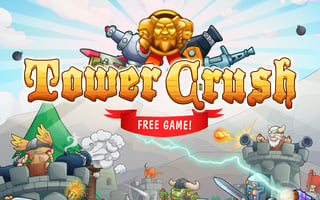
Tower Crush
Play nowAdvertisement
Tower Crush is a strategy game where players must defend their tower from invading forces, requiring a combination of planning and quick decision-making to succeed.
Desktop controls
On desktop, players can use their mouse to select and place defensive structures, and their keyboard to navigate menus and access additional options. Keyboard shortcuts may also be available to speed up gameplay.
Touch play
Not tested on touch screens.
Tips
- Use your mouse controls to precisely place defensive structures in key locations to maximize their effectiveness
- Learn to navigate your menus and options quickly to access the right tools at the right time
- Practice timing your defensive actions to coincide with enemy movements for the best results
Sponsored
More about Tower Crush
Play something similar
See all


Advertisement