
Guide · Strategy
Tower Defense Controls (Desktop)

Tower Defense
Play nowAdvertisement
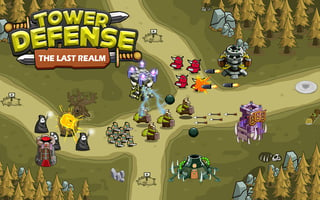
In Tower Defense, players strategically position defensive structures to prevent enemies from reaching a designated goal.
Desktop controls
On desktop, players can use their mouse to select and place defensive towers, and their keyboard to navigate menus or access additional game options.
Touch play
Not tested on touch screens.
Tips
- Use your mouse controls to carefully position towers in strategic locations
- Experiment with different tower placements to find the most effective combinations
- Keep an eye on your available resources and plan your tower placements accordingly
Sponsored
More about Tower Defense
Play something similar
See all






Advertisement