
Guide · Strategy
Tower Defense Zombies Controls (Desktop)
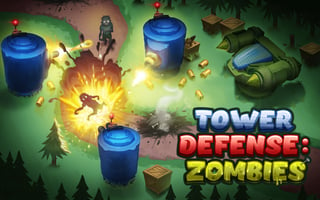
Tower Defense Zombies
Play nowAdvertisement
Tower Defense Zombies is a strategy game where players defend against waves of zombies by building and upgrading towers to stop them from reaching the end of the path.
Desktop controls
On desktop, players can use their mouse to select and place towers, and their keyboard to navigate through menus and options, with potential hotkeys for common actions.
Touch play
Not tested on touch screens.
Tips
- Use your mouse to carefully position towers for optimal zombie-stopping coverage
- Keep an eye on your resources and plan your tower placements accordingly to maximize your defense
- Experiment with different tower types and upgrades to find the most effective combinations against the zombie hordes
Sponsored
More about Tower Defense Zombies
Play something similar
See all




Advertisement