
Guide · Ball
Trick Shot Ball Pro Controls (Desktop)
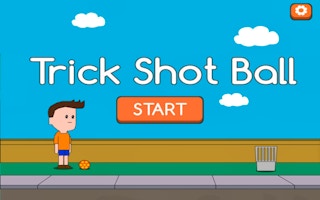
Trick Shot Ball Pro
Play nowAdvertisement
Trick Shot Ball Pro challenges you to aim and launch a ball to hit targets with precision.
Desktop controls
Use the mouse to click and drag to set the direction and power of each shot, then release to fire; the keyboard arrows can fine‑tune aim or adjust camera angle if available.
Touch play
Not tested on touch screens.
Tips
- Practice the pull‑back distance to control shot strength accurately.
- Align your aim with the target’s center before releasing for consistent hits.
- Use small adjustments with the keyboard drags to correct any mis‑aim before firing.
Sponsored
More about Trick Shot Ball Pro
Play something similar
See all




Advertisement