
Guide · Strategy
Tricky Test Controls (Desktop)
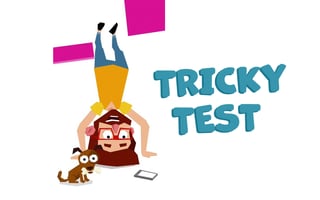
Tricky Test
Play nowAdvertisement
Tricky Test is a strategy game that challenges players to solve complex problems and overcome obstacles through clever decision-making and timely actions.
Desktop controls
On desktop, players can use their mouse to navigate menus, select options, and interact with game elements, while their keyboard can be used for typing commands or shortcuts to execute specific actions.
Touch play
Not tested on touch screens.
Tips
- Use the mouse to precisely select and manipulate game objects on desktop.
- Familiarize yourself with keyboard shortcuts to accelerate your progress.
- Not tested on touch screens.
Sponsored
More about Tricky Test
Play something similar
See all





Advertisement