
Guide · Hidden-Object
Twin Peeks Controls (Desktop)

Twin Peeks
Play nowAdvertisement
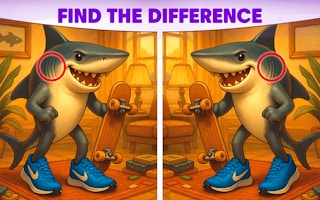
Explore detailed scenes and locate hidden items using simple point-and-click mechanics.
Desktop controls
Use the mouse to move the cursor and click on objects you think match the list; the keyboard may allow shortcuts like pressing numbers to jump to specific item categories.
Touch play
Not tested on touch screens.
Tips
- Hover over areas to reveal subtle highlights that indicate interactive spots
- Zoom in when the scene feels crowded to improve accuracy
- Use the item list as a guide and eliminate found objects to focus on remaining targets
Sponsored
More about Twin Peeks
Play something similar







Advertisement