
Guide · Battle
War the Knights Controls (Desktop)
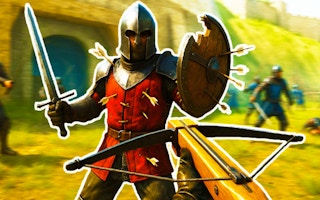
War the Knights
Play nowAdvertisement
Lead your knights into strategic combat in War the Knights, a fast‑paced battle game.
Desktop controls
Use the mouse to aim and click to attack or select units, while keyboard shortcuts (e.g., WASD or arrow keys) move your perspective and number keys quickly issue commands. Press space or Enter to confirm actions and use Escape to open the menu.
Touch play
Not tested on touch screens.
Tips
- Not tested on touch screens.
- Use keyboard shortcuts for faster unit selection on desktop
Sponsored
More about War the Knights
Play something similar
See all




Advertisement