
Guide · Shooter
3D Shooting Gallery Controls (Desktop)
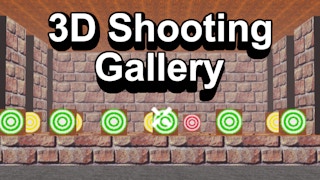
3D Shooting Gallery
Play nowAdvertisement
A fast‑paced shooter where you aim and fire at targets in a 3D gallery setting.
Desktop controls
Use the mouse to aim the crosshair and left‑click to shoot; move around the gallery with WASD or arrow keys, and use the right mouse button for secondary actions like zoom or alternate fire.
Touch play
Not tested on touch screens.
Tips
- Keep your aim steady by moving the mouse slowly rather than jerking it
- Use cover or pause between waves to regroup and aim accurately
- Not tested on touch screens.
Sponsored
More about 3D Shooting Gallery
Play something similar
See all

Advertisement