
Guide · Shooter
3D Shooting Gallery - Frequently Asked Questions
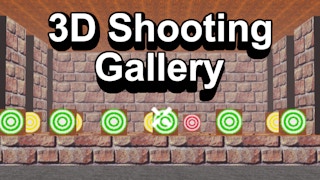
3D Shooting Gallery
Play nowAdvertisement
Is 3D Shooting Gallery free to play?
Yes, it is free to play directly in your web browser on Pixelsprout, with no download required.
Can I play 3D Shooting Gallery on a mobile device?
Not tested on touch screens.
What are the basic controls for aiming and shooting?
Use the mouse to move the crosshair and click the left button to fire at targets.
How does the difficulty progress as I play?
Targets appear faster and in more varied patterns the longer you survive, increasing the challenge gradually.
What makes 3D Shooting Gallery fun to play?
The fast‑paced target waves, responsive aiming, and the satisfaction of hitting moving objects keep the gameplay engaging.
Why do some targets seem to disappear before I can hit them?
Targets are programmed to move quickly and sometimes exit the play area, so timing your shots is key to scoring.
Is there a way to adjust the game’s sensitivity or difficulty settings?
The game includes a simple options menu where you can tweak mouse sensitivity and choose an easier or harder speed preset.
Sponsored
More about 3D Shooting Gallery
Play something similar
See all




Advertisement