
Guide · Simulation
Airport Security 3d Controls (Desktop)
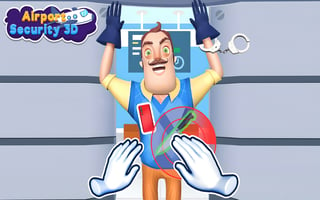
Airport Security 3d
Play nowAdvertisement
Manage airport security operations by scanning luggage, directing passengers, and handling alerts in a realistic simulation.
Desktop controls
Use the mouse to click on luggage scanners, conveyor belts, and checkpoint controls, while keyboard shortcuts (e.g., number keys) can quickly switch between stations or tools. Drag-and-drop actions let you move items or assign staff to tasks.
Touch play
Not tested on touch screens.
Tips
- Not tested on touch screens.
- Use keyboard shortcuts to switch stations faster on desktop
- Zoom out to monitor overall flow, then zoom in to handle specific problems
Sponsored
More about Airport Security 3d
Play something similar
See all







Advertisement