
Guide · Simulation
Airport Security 3d Tips and Strategy
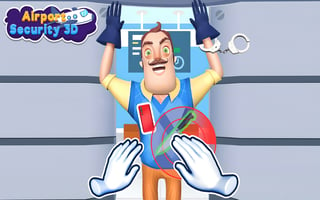
Airport Security 3d
Play nowAdvertisement
In Airport Security 3D you manage the flow of passengers through checkpoints, balancing speed and safety to keep flights on schedule.
- Prioritize checking passengers with flagged items or suspicious behavior first to prevent bottlenecks later in the line.
- Use the scanner’s zoom function to quickly identify prohibited objects without having to open every bag fully.
- Assign extra staff to high‑traffic gates during peak hours and reassign them to quieter areas when queues shrink.
- Upgrade the conveyor belt speed and scanner resolution early, as faster processing reduces overall wait times more than adding more staff.
- Monitor the overall waiting time meter and pause new arrivals when the line exceeds the optimal threshold to avoid overwhelming the checkpoint.
- Regularly clear the trash bin and reset the scanner to prevent false alarms that slow down processing.
- Balance thoroughness with speed by using the quick‑scan option for low‑risk passengers, reserving full scans for higher‑risk individuals.
Efficiently juggling staff, equipment upgrades, and passenger risk levels will keep your airport running smoothly.
Sponsored
More about Airport Security 3d
Play something similar
See all







Advertisement