Guide · Simulation
Battle Simulator - Sandbox - Frequently Asked Questions
Is Battle Simulator - Sandbox free to play?
Yes. Battle Simulator - Sandbox plays free in your browser on Pixelsprout.
Can I play Battle Simulator - Sandbox on mobile devices?
Not tested on touch screens.
What are the basic controls for moving units and setting up battles?
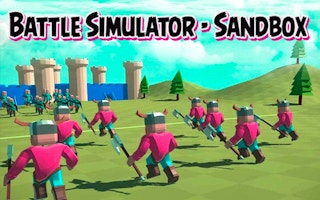
Use the mouse to select units, drag them onto the battlefield, and click the play button to start the simulation; the UI includes simple sliders for adjusting unit count and placement.
How difficult is the game for new players?
The sandbox mode has no set difficulty—players can experiment with any combination of units, making it easy for beginners while still offering depth for experienced strategists.
What makes Battle Simulator - Sandbox fun compared to other simulation games?
Its open‑ended nature lets you create absurd match‑ups and instantly see the results, encouraging creativity and trial‑and‑error without penalties.
Why do some battles seem to end instantly with no visible action?
If the selected units have vastly different stats or are placed too far apart, the simulation may resolve the outcome instantly; adjusting spacing or unit mix will produce a longer, more visible fight.
Are there any limits on how many units I can place in a single battle?
The game imposes a practical limit based on performance; extremely large armies may cause slowdowns, so it's best to keep the total unit count within a few hundred for smooth playback.