Guide · Animal
Flying Gorilla 3D - Frequently Asked Questions
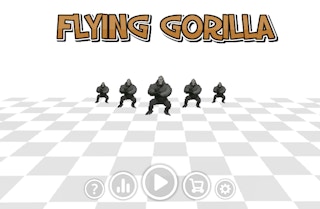
Is Flying Gorilla 3D free to play?
Yes, you can play Flying Gorilla 3D for free in your web browser on Pixelsprout without any download.
Can I play Flying Gorilla 3D on a mobile device?
The game works in most modern mobile browsers, so you can play it on phones or tablets as long as the browser supports WebGL.
What are the basic controls for Flying Gorilla 3D?
Use the arrow keys or WASD to steer the gorilla, and press the space bar (or tap the screen) to make it flap or boost forward.
How difficult is Flying Gorilla 3D for new players?
The game starts with a gentle learning curve, but the speed and obstacle density increase gradually, requiring good timing and quick reflexes.
What makes Flying Gorilla 3D fun to play?
The combination of fast‑paced flying, colorful environments, and the challenge of staying airborne while dodging obstacles keeps the gameplay engaging.
Why do I sometimes lose points even when I think I’m avoiding obstacles?
Collision detection can be sensitive, so even a slight brush with an obstacle or the edge of the screen may count as a hit.
Is there a way to pause or restart the game?
Press the P key (or tap the pause button on the screen) to pause, and use the R key or the on‑screen restart button to start a new run.