
Guide · Animal
Jumping Raccoon Controls - How to Play (Desktop & Mobile)

Jumping Raccoon
Play nowAdvertisement
Jumping Raccoon lets you guide a playful raccoon through whimsical obstacles and platforms.
Desktop controls
Use the arrow keys or WASD to move left, right, and jump, and the space bar for a higher jump or special action. The mouse can be used to click on interactive objects or to aim certain moves if the game supports it.
Mobile controls
Tap the left or right side of the screen to move, and swipe up to jump. A single tap on an object will interact with it, and a quick double‑tap can trigger a boost if available.
Tips
- Tap quickly to time jumps precisely and avoid falling into gaps.
- Use short, controlled swipes for lower jumps and longer swipes for higher leaps.
- Keep an eye on moving platforms and adjust your direction early to stay on them.
Sponsored
More about Jumping Raccoon
Play something similar
See all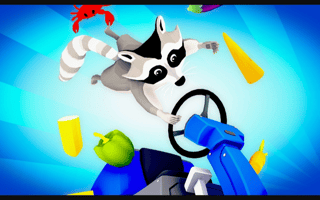







Advertisement