
Guide · Fighting
Knight 360 Beginner's Guide - How to Get Started
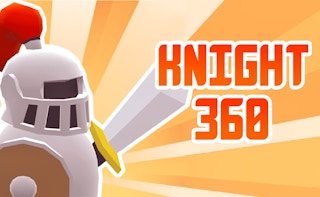
Knight 360
Play nowAdvertisement
Knight 360 is a fast‑paced, browser‑based fighting game where you control a knight in a circular arena.
What is Knight 360?
In this type of fighting game you face off against opponents using melee attacks, blocks, and movement to gain positional advantage. The gameplay focuses on timing, combos, and reacting to enemy patterns while staying within the arena’s limits.
First steps
- Use the arrow keys (or WASD) to move your knight around the arena and get comfortable with the controls.
- Press the attack key (usually space or J) to perform basic strikes and experiment with chaining them into simple combos.
- Practice blocking or dodging (often with a separate key like K or Shift) to reduce incoming damage.
- Learn the arena’s boundaries; staying near the edge can give you more space to maneuver and avoid being cornered.
- Watch the opponent’s attack cues and try to counter‑attack after a successful block or dodge.
Who it's for
Fans of quick, skill‑based combat who enjoy mastering timing and movement in a browser‑friendly fighting experience.
Sponsored
More about Knight 360
Play something similar
See all


Advertisement