Guide · Fighting
Knight 360 - Frequently Asked Questions
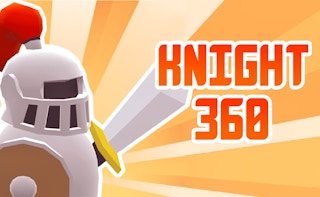
Is Knight 360 free to play?
Yes, Knight 360 can be played for free in your web browser on Pixelsprout without any download.
Can I play Knight 360 on a mobile device?
Not tested on touch screens.
What are the basic controls for fighting in Knight 360?
Use the arrow keys or WASD to move, and the Z/X/C keys (or equivalent on-screen buttons) to perform punches, kicks, and block.
How difficult is the learning curve for new players?
The game starts with easy opponents to teach timing and combos, but later stages require precise inputs and good reaction speed.
What makes Knight 360 fun to play?
It combines fast‑paced combat with a rotating arena, rewarding players who master timing, positioning, and combo chains.
Why do I sometimes lose health even when I don't see an attack?
The arena rotates, so attacks can come from off‑screen angles; keep an eye on the surrounding space to anticipate hidden strikes.
Is there a way to adjust the control sensitivity?
You can change the key bindings and enable a ‘slow‑motion’ toggle in the settings to help with precise moves.