
Guide · Kids
Makeup Studio - Halloween Controls (Desktop)
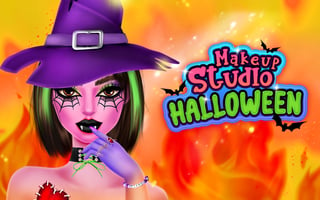
Makeup Studio - Halloween
Play nowAdvertisement
Create spooky Halloween looks by applying makeup and accessories to a character in this fun kids’ browser game.
Desktop controls
Use the mouse to click on makeup tools and drag them onto the character’s face, and scroll or click arrows to switch between items. Keyboard shortcuts may let you cycle through categories or reset your design.
Touch play
Not tested on touch screens.
Tips
- Not tested on touch screens.
- Use the back button or a clear icon to start a new look quickly.
Sponsored
More about Makeup Studio - Halloween
Play something similar
See all






Advertisement