
Guide · Kids
Pomni Coloring Book Controls (Desktop)
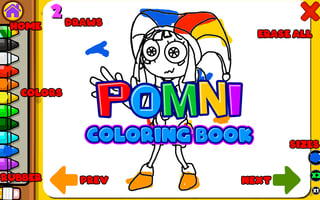
Pomni Coloring Book
Play nowAdvertisement
Pomni Coloring Book lets kids unleash their creativity by coloring fun illustrations directly in the browser.
Desktop controls
Use the mouse to select colors from the palette and click or click‑drag on areas of the picture to fill them; the keyboard can be used to switch tools or undo with standard shortcuts like Ctrl+Z.
Touch play
Not tested on touch screens.
Tips
- Click the palette before coloring to avoid accidental strokes
- Use the zoom gesture to reach tight corners
- Press Ctrl+Z (or the undo button) to correct mistakes quickly
Sponsored
More about Pomni Coloring Book
Play something similar
See all






Advertisement