
Guide · Kids
Pomni Coloring Book Tips and Strategy
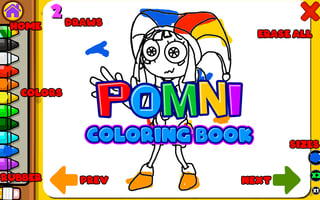
Pomni Coloring Book
Play nowAdvertisement
Pomni Coloring Book lets kids unleash creativity by coloring a variety of fun illustrations with simple tools.
- Select a color that contrasts well with the area you’re filling to make the picture stand out
- Use the zoom feature to get a closer view of small sections, helping you stay inside the lines
- Take advantage of the undo button whenever a stroke goes outside the intended area
- Experiment with different brush sizes for large background areas versus detailed foreground elements
- Try the fill (bucket) tool for uniform color blocks and switch to the free‑draw brush for shading or adding texture
- Save your finished pages regularly so you can revisit or share your artwork later
Enjoy experimenting with colors and tools to create vibrant, personalized pictures.
Sponsored
More about Pomni Coloring Book
Play something similar
See all





Advertisement