
Guide · Kids
Red Coloring Book Controls (Desktop)
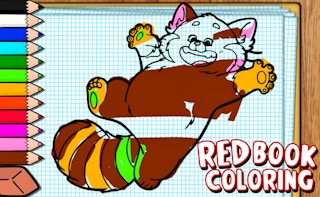
Red Coloring Book
Play nowAdvertisement
Red Coloring Book lets kids fill in simple line drawings with colors using a web browser.
Desktop controls
Use the mouse to click on a color palette and then click on areas of the drawing to apply the color; the keyboard can be used to navigate between palette tabs if available.
Touch play
Not tested on touch screens.
Tips
- Select a color before you start filling to avoid extra clicks
- Zoom in on small areas for more precise coloring
- Use the undo button if you make a mistake
Sponsored
More about Red Coloring Book
Play something similar
See all







Advertisement