
Guide · Kids
Red Coloring Book Tips and Strategy
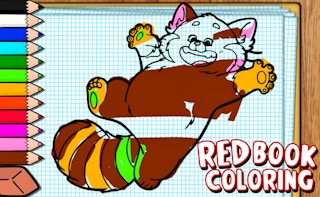
Red Coloring Book
Play nowAdvertisement
Red Coloring Book lets kids unleash their creativity by filling outlined pictures with vibrant colors.
- Select the appropriate color from the palette before clicking a section to ensure the area fills with the desired hue
- Use the zoom feature to get a closer view of intricate parts, making it easier to stay inside the lines
- Click the eraser tool to correct any mistakes quickly without affecting the rest of the picture
- Try the fill‑bucket tool for large areas to color them evenly and save time
- Experiment with different brush sizes for shading or adding fine details to enhance the artwork
- Utilize the undo button if a color is applied incorrectly, allowing you to revert the last action instantly
- Save completed drawings to the gallery so children can revisit and share their creations later
Sponsored
More about Red Coloring Book
Play something similar
See all




Advertisement