
Guide · Educational
Save the Sea Controls - How to Play (Desktop & Mobile)
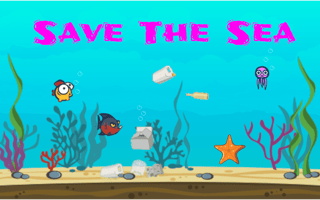
Save the Sea
Play nowAdvertisement
Save the Sea is an educational browser game that teaches players about marine conservation while they explore and interact with ocean environments.
Desktop controls
On desktop, you’ll typically use the mouse to click on objects, drag items, or select answers, and the keyboard for navigation such as arrow keys or WASD to move your character through the sea scenes.
Mobile controls
On mobile, tap to interact with elements, swipe to move around or scroll through information, and pinch gestures to zoom in on detailed areas of the ocean.
Tips
- Use precise clicks or taps to select the right answers and trigger actions.
- Hover over or tap icons to see hints or additional information about marine life.
- Keep an eye on on-screen prompts that guide you through tasks and learning objectives.
Sponsored
More about Save the Sea
Play something similar








Advertisement