Guide · Educational
Save the Sea - Frequently Asked Questions
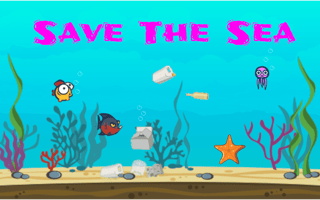
Is Save the Sea free to play?
Yes, Save the Sea is free to play directly in your web browser on Pixelsprout, with no download required.
Can I play Save the Sea on a mobile device?
The game works on mobile browsers, using touch controls for navigation and interaction.
What are the basic controls for Save the Sea?
Use the arrow keys or swipe gestures to move, and click or tap on objects to collect or interact with them.
How difficult is Save the Sea for younger players?
The game is designed with adjustable difficulty, offering simple tasks for beginners and more challenging puzzles for older children.
What makes Save the Sea fun and educational?
It combines engaging puzzles with facts about marine life, encouraging players to learn while they clean up and protect the ocean.
Why do I sometimes get stuck on a level?
Some levels require you to sequence actions correctly; reviewing the on‑screen hints or revisiting earlier clues can help you progress.
Is there a time limit or score system?
The game tracks your cleanup score and provides a timer for optional challenges, but you can also play at your own pace.
Are there any common mistakes new players make?
New players often overlook hidden items or try to rush without reading the educational prompts, which can lead to missed points.