
Guide · Shooter
Terrifying Zombies Tower Defense II Controls (Desktop)
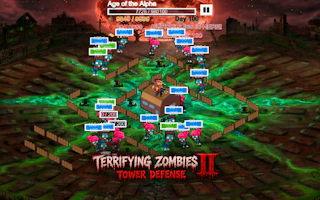
Terrifying Zombies Tower Defense II
Play nowAdvertisement
Defend your base from waves of zombies in this fast‑paced shooter tower‑defense hybrid.
Desktop controls
Use the mouse to aim and click to fire, while WASD keys let you move your character around the battlefield; right‑click often toggles special abilities or secondary weapons.
Touch play
Not tested on touch screens.
Tips
- Keep your crosshair steady by using short, controlled mouse movements
- Use the movement keys to dodge incoming zombies while maintaining fire on target
- Not tested on touch screens.
Sponsored
More about Terrifying Zombies Tower Defense II
Play something similar
See all





Advertisement