
Guide · Drawing
Wall Painter Controls (Desktop)

Wall Painter
Play nowAdvertisement
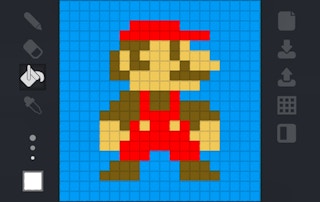
Wall Painter lets you create colorful designs by painting walls with simple mouse inputs.
Desktop controls
Use the mouse to select colors from the palette and click‑drag on the wall area to paint; keyboard shortcuts may switch tools or undo actions.
Touch play
Not tested on touch screens.
Tips
- Use the undo button (Ctrl+Z or on‑screen undo) to correct mistakes quickly.
- Adjust brush size before large strokes for smoother coverage.
- Zoom in for detailed work and zoom out to see the overall composition.
Sponsored
More about Wall Painter
Play something similar
See all






Advertisement