Guide · Drawing
Wall Painter - Frequently Asked Questions
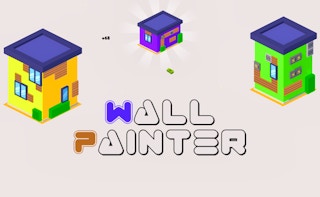
Is Wall Painter free to play?
Yes. Wall Painter is free to play in your web browser on Pixelsprout, with no download.
Can I play Wall Painter on a mobile device?
Not tested on touch screens.
What are the basic controls for drawing in Wall Painter?
Use the mouse to select a brush, click and drag to paint on the canvas, and use the toolbar buttons to change colors, size, and undo strokes.
How difficult is Wall Painter for new players?
The game starts with simple tutorials and easy levels, gradually introducing more complex patterns and time limits, so beginners can pick it up quickly.
What makes Wall Painter fun and replayable?
It combines creative drawing with challenges like completing shapes within a time limit, unlocking new brushes and colors as you progress.
Why do I sometimes lose points even though I think I filled the area?
Points are only awarded for fully covering the target zones without gaps; small unpainted spaces can prevent a level from being marked complete.
Is there a way to save or share my artwork?
Yes, after finishing a level you can download the finished picture or share a link directly from the game’s end-screen.