
Guide · Simulation
Body Drop 3D Beginner's Guide - How to Get Started
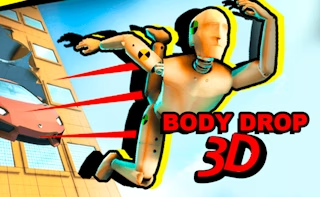
Body Drop 3D
Play nowAdvertisement
Body Drop 3D is a free browser‑based simulation where you control a character navigating a three‑dimensional environment.
What is Body Drop 3D?
In this type of simulation you move a body through a space, interacting with simple physics and obstacles. The focus is on exploring the environment, adjusting movement speed, and completing basic objectives without complex combat or story elements.
First steps
- Use the arrow keys or WASD to move the character forward, backward, and sideways.
- Press the space bar to jump or climb over low obstacles as you encounter them.
- Rotate the camera with the mouse to get a clear view of your surroundings and plan your path.
- Look for on‑screen prompts that indicate interactive objects or goals and follow them.
- Adjust the movement speed setting if available to find a comfortable pace for exploration.
Who it's for
Ideal for casual players who enjoy straightforward, physics‑based exploration in a 3D setting.
Sponsored
More about Body Drop 3D
Play something similar
See all







Advertisement