
Guide · Simulation
Body Drop 3D Controls (Desktop)
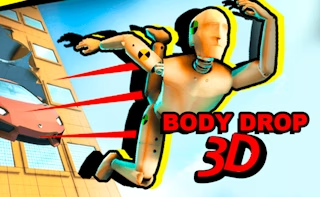
Body Drop 3D
Play nowAdvertisement
Body Drop 3D lets you manipulate a 3D character’s movements and physics in a sandbox environment.
Desktop controls
Use the mouse to rotate the camera and click‑drag to position objects or adjust the character, while keyboard keys (WASD or arrow keys) move the character and spacebar triggers jumps or interactions.
Touch play
Not tested on touch screens.
Tips
- Not tested on touch screens.
- Combine movement keys with the mouse to fine‑tune the character’s balance and trajectory.
Sponsored
More about Body Drop 3D
Play something similar
See all







Advertisement