
Guide · Simulation
Body Drop 3D Tips and Strategy
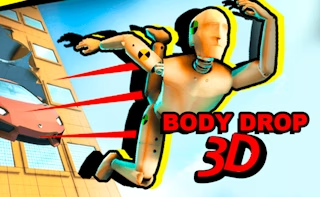
Body Drop 3D
Play nowAdvertisement
Body Drop 3D lets you experiment with physics by guiding objects through three‑dimensional environments to reach target zones.
- Use the camera controls to find the optimal launch angle; a slightly higher angle often gives a longer airtime and smoother landings.
- Watch the on‑screen speed indicator and adjust your initial force accordingly—too much power can cause overshoot, while too little will stall before the goal.
- Take advantage of surface friction settings; smoother surfaces reduce drag and help maintain momentum across longer distances.
- Plan your path around obstacles by previewing the trajectory line; small adjustments early on can prevent costly collisions later.
- Utilize any available boost or wind zones strategically, timing your entry to maximize forward thrust without losing control.
- Save and reload frequently after major changes so you can compare outcomes and fine‑tune your approach.
Experiment with angles, force, and environmental factors to master the physics and achieve consistent drops.
Sponsored
More about Body Drop 3D
Play something similar
See all







Advertisement