
Guide · Kids
Toilet Rush Draw To Pee Controls (Desktop)

Toilet Rush Draw To Pee
Play nowAdvertisement
This build is mouse-driven on desktop. Here is exactly what I used to start the game and clear Level 1.
Desktop controls
Click Ok, Play Now! on the loading overlay, then click the large triangular play button on the menu. In a level, click menu buttons normally and hold-drag with the mouse to draw a path from the character toward the toilet. On Level 1 that drag created the route that led to Victory. I saw no keyboard control text, and arrow keys were not part of how I played.
Touch play
Not tested on touch screens.
Tips
- Wait until loading finishes after Ok, Play Now! before you hunt for the triangular play button.
- On Level 1, drag from the character to the toilet in one continuous stroke rather than tapping both ends.
- After Victory, use Next to advance or Retry to redraw the same level.
- If dragging leaves no line on a later level, use the gear or back icon to return to the menu.
Sponsored
More about Toilet Rush Draw To Pee
Play something similar
See all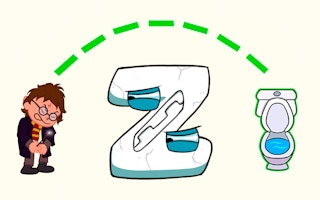







Advertisement