
Guide · 2048
2048 Cube Run Controls (Desktop)
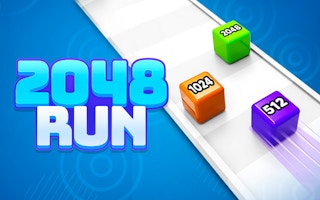
2048 Cube Run
Play nowAdvertisement
2048 Cube Run needs very little input. You start the run with one click, the cube moves forward by itself, and you steer by dragging.
Desktop controls
Click CLICK TO START! to begin. Then hold the left mouse button and drag left or right to move the cube across the track. Release when it is where you want it. Arrow keys were also pressed during testing, but the drag was the input that clearly moved the cube.
Touch play
Not tested on touch screens.
Tips
- Click Ok, Play Now! on the first notice and wait for the game to load before you try to start.
- Use short drags. A long drag to the edge of the track was followed by the run ending.
- A gear icon sits in the top left corner of the Level 1 start screen.
- NEXT LEVEL sits on the same screen as WATCH ADS & GET (we didn't press it).
Sponsored
More about 2048 Cube Run
Play something similar
See all



Advertisement