Guide · 2048
2048 Cube Run - Frequently Asked Questions
How do you start a run in 2048 Cube Run?
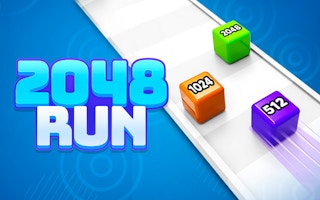
Click CLICK TO START! below the floating cube on the level screen. The cube starts rolling down the track straight away.
How do you steer the cube?
Hold the left mouse button and drag left or right. The cube moves across the track while you drag and keeps moving forward on its own.
What happens to the cubes you collect?
They stack on top of your cube in a column, each showing its number. In one Level 1 run the stack showed 2, 2, 8, 4, 128 and 32 by the finish line.
What are the X2 and X4 strips after the finish line?
They are colored strips past the checkered finish line. Your stack is used up as the cube climbs them, and a taller stack reaches further strips.
What does the Level Cleared screen give you?
On Level 1 it showed REWARD +100 coins, a bar of multipliers from x2 to x4, a WATCH ADS & GET button and a NEXT LEVEL button. Coins are in-game points only, with no real money involved.
Do you have to watch an ad to keep playing?
WATCH ADS & GET is optional and offers extra coins (+200 and +300 were shown). NEXT LEVEL sits on the same screen as WATCH ADS & GET (we didn't press it).
What is the Cube Value card?
It sits under the starting cube and showed a 2 cube, x2 and the number 1000 next to a coin icon. The game started with only 500 coins, so the card was not used and its effect was not seen.
Are the coins real money?
No. Coins are in-game points earned by playing 2048 Cube Run. No real money was involved anywhere in the game during testing.