
Guide · Sports
Skateboard Challenge Controls (Desktop)
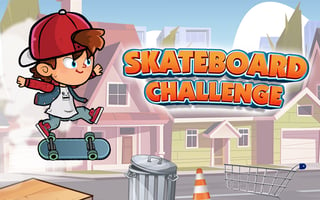
Skateboard Challenge
Play nowAdvertisement
Skateboard Challenge uses the keyboard for riding and the mouse for menus. Here is what the in-game controls screen lists, and what I confirmed while playing.
Desktop controls
Space makes Jeff ollie, which I confirmed in play. The controls screen also lists Z to kickflip, C to heelflip, hold X to indy grab, and landing on a rail for a 50-50 grind, or holding Left for a 5-0, Right for a nosegrind and Down for a noseslide. Jeff rolls forward on his own. Menu buttons work with the mouse.
Touch play
Not tested on touch screens.
Tips
- Open CONTROLS from the title screen to see the full trick list before you ride.
- Space is the key to learn first. The controls screen says ollies help you reach higher places and travel farther in the air.
- Grind directions are held while landing on a rail, not pressed after you are already on it, according to the controls screen.
- The title screen also has an AUDIO ON button and a CREDITS button. I left the audio setting alone while playing.
Sponsored
More about Skateboard Challenge
Play something similar
See all



Advertisement