
Guide · Simulation
The Windows Game Controls (Desktop)
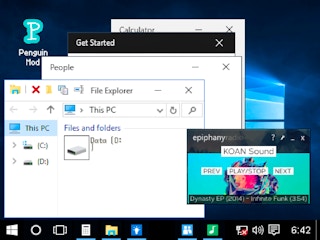
The Windows Game
Play nowAdvertisement
Experience a lighthearted simulation where you interact with a virtual desktop environment and explore quirky Windows-inspired features.
Desktop controls
Use the mouse to click icons, drag windows, and navigate menus, while keyboard shortcuts let you quickly open or close applications and switch between tasks.
Touch play
Not tested on touch screens.
Tips
- Hover over elements to discover hidden options
- Not tested on touch screens.
- Combine keyboard shortcuts like Ctrl+W to close windows quickly
Sponsored
More about The Windows Game
Play something similar
See all







Advertisement