
Guide · Simulation
The Windows Game Tips and Strategy
The Windows Game
Play nowAdvertisement
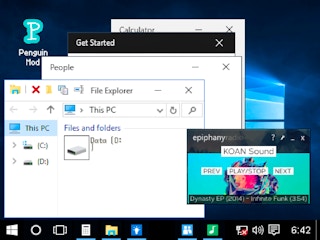
The Windows Game lets you simulate managing a computer operating system, balancing tasks like file organization, system performance, and user demands.
- Prioritize keeping your desktop and file folders organized to reduce time spent searching for items, which improves overall efficiency.
- Monitor system resources such as CPU and memory usage; close unnecessary programs when performance starts to lag.
- Regularly back up important files to prevent data loss and avoid interruptions during gameplay.
- Adjust settings like screen resolution and power options to match the simulated hardware, ensuring smoother operation.
- Use shortcuts and batch actions for repetitive tasks like installing or uninstalling software to save time.
- Keep an eye on user requests and prioritize urgent tasks first to maintain a high satisfaction rating.
By staying organized, managing resources wisely, and handling tasks efficiently, you’ll keep your simulated system running smoothly.
Sponsored
More about The Windows Game
Play something similar
See all







Advertisement